Both are set per project, under Settings. Only organization admins can change them.
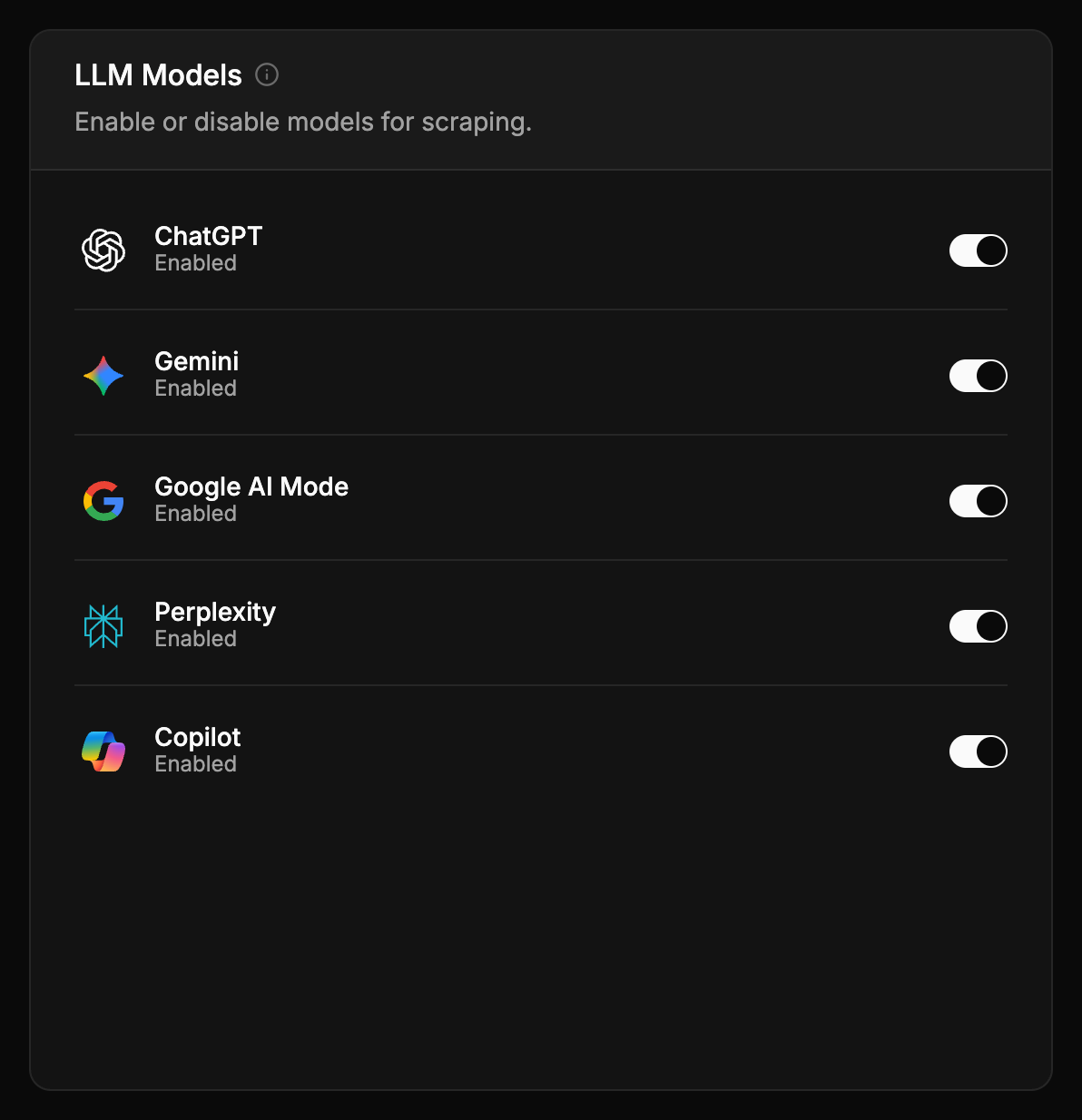
AI models
Choose which assistants your prompts are asked on. Each one you switch on is asked every active prompt on every run.
There’s no extra charge per assistant or per answer — your plan limits how many prompts are active, not how many times they’re asked. Keeping every available assistant switched on gives you the fullest picture.
Assistants disagree with each other more than people expect: a brand can be ChatGPT’s first recommendation and absent from Copilot’s answer to the same question. That’s why the dashboard can show every metric per assistant.
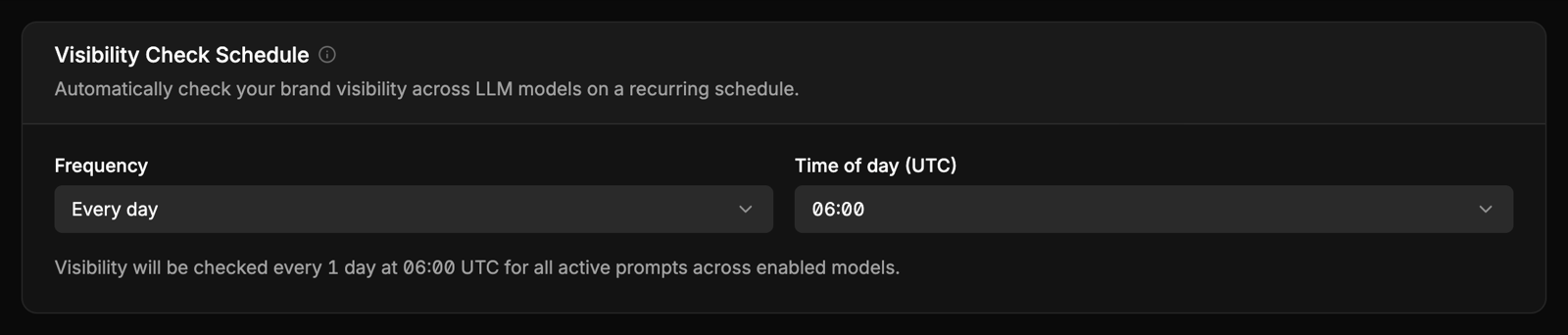
Frequency
How often every active prompt is asked on every switched-on assistant:
- Every day — the default, and the one to use while you’re actively working on your visibility
- Every 3, 7, 14 or 30 days
- Disabled — nothing is asked; your history stays
Assistants don’t give the same answer every time, so more frequent runs make trends steadier. A weekly schedule is fine for keeping an eye on things; it’s slow for spotting a change.
Time of day
The hour runs start, in UTC. The default is 06:00 UTC. Most answers arrive within a few minutes of the start.
Choose an hour that gives you fresh data when you start work — 06:00 UTC is 08:00 in Warsaw and 02:00 in New York during summer time, an hour earlier for both in winter.
Country
The market prompts are asked from, set when the project is created. It can’t be changed afterwards, because answers from two countries aren’t comparable — to track another market, create another project.
When an assistant is down
If an assistant stops answering, it’s paused automatically and resumes by itself when it recovers. You’ll see a gap for that day rather than a misleading number. See How data is collected.